
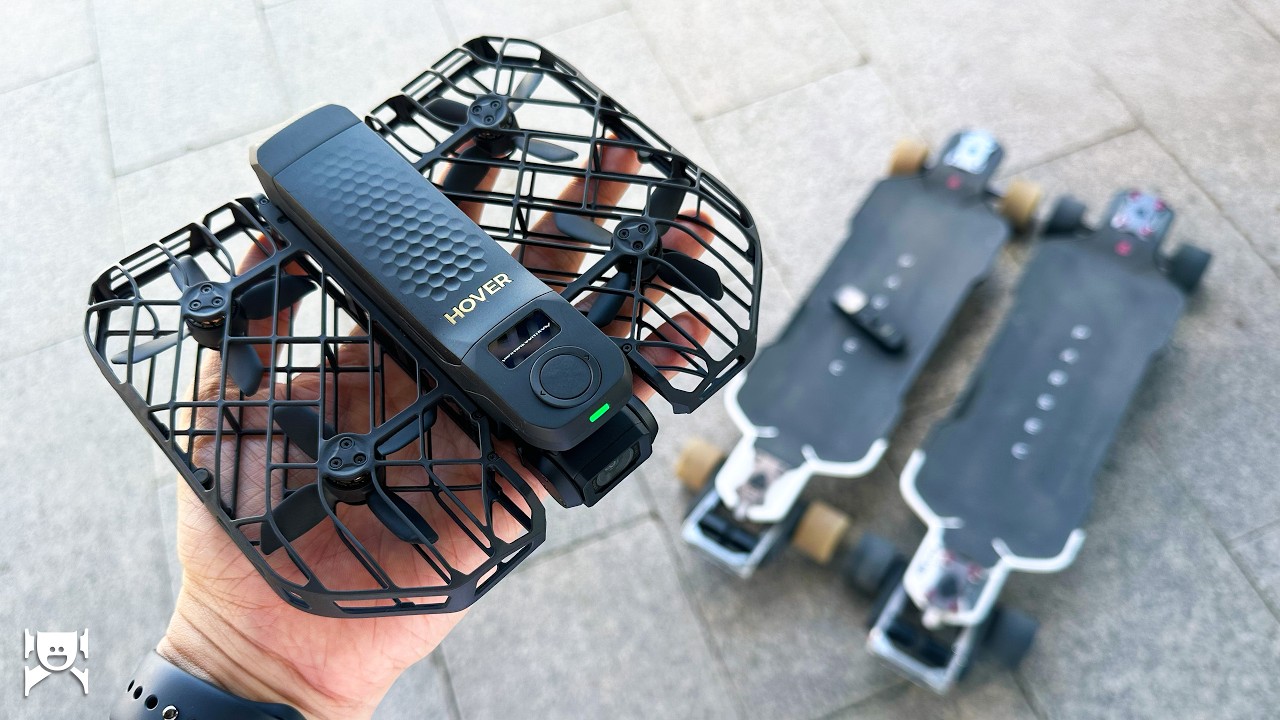
Filming electric skateboard content alone creates a very specific set of requirements. A drone has to fit in a small bag, launch without a complicated setup, track a rider at speed, and survive the occasional collision. For that job, the Hover X1 ProMax is the best option I am aware of—but it has limitations that e-skaters should understand.
Disclosure: Hover provided the drone. There was no payment, and the opinions here are my own.
Portability and durability
Folded, the X1 ProMax is roughly the size of a peanut-butter-and-jelly sandwich. With its battery installed, my scale puts it at exactly 194 grams—slightly lighter than an Insta360 X5. It fits in my messenger bag or even many pockets, and I only use a small sleeve to protect the lens and gimbal.
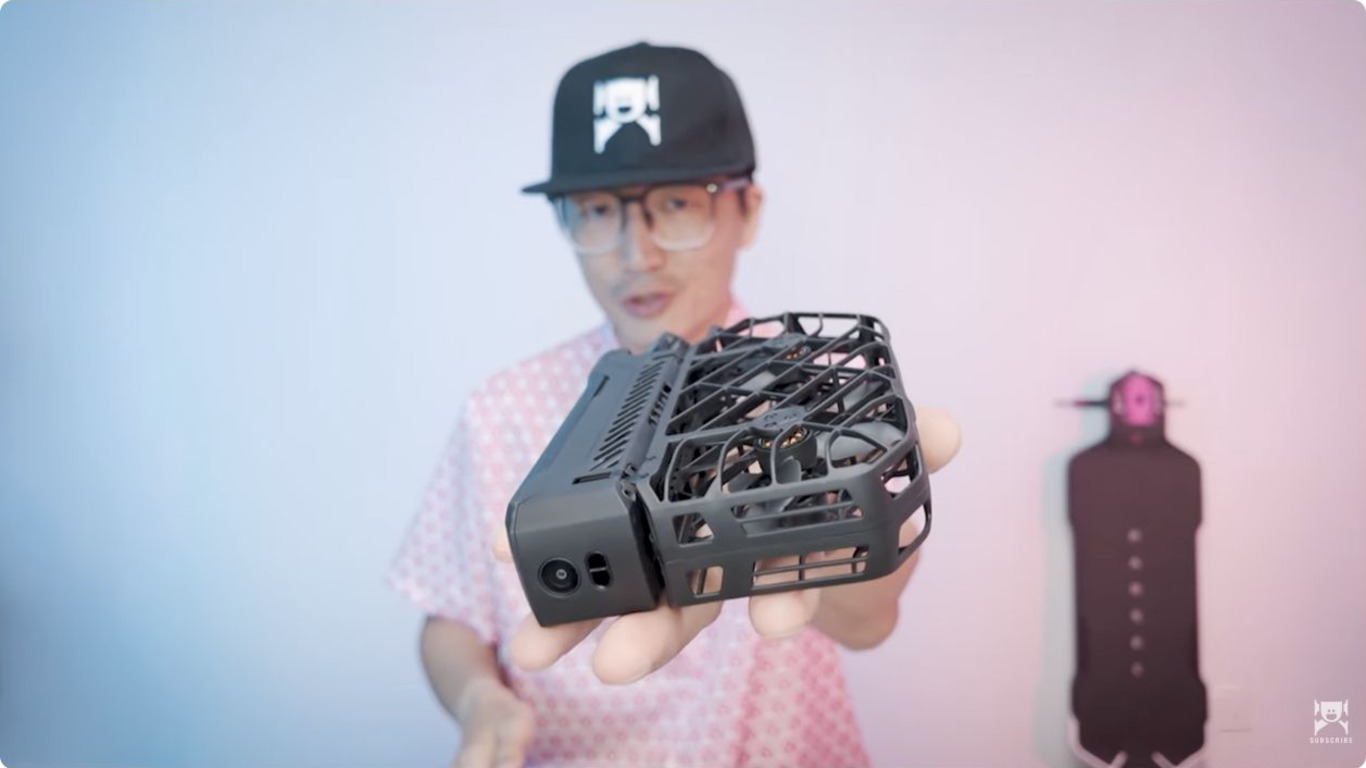
I have crashed it into trees and buildings several times. The flexible propeller cages absorb impacts well, and aside from scuffs, the drone continues to work properly. Obstacle avoidance is good, though sideways flight creates more opportunities for a collision.
Image quality
The camera supports 8K, 10-bit HDR, and bitrates up to 160 Mbps. It is still a small sensor with a small lens, so I would not expect DSLR quality. For footage that will sit alongside video captured on an iPhone or action camera, however, the result is more than adequate and better than I would expect from such a lightweight drone.
Tracking performance
In open areas with few people, the optical tracking is reliable enough that I usually do not connect the optional Beacon. The drone can still be made to lose its subject, but during ordinary riding it performs impressively.
There are two important weaknesses for electric skateboard creators. First, the automatic composition often prioritizes the rider’s upper body, leaving the board at the edge of the frame or outside it. Choosing a far distance and high altitude is the most predictable way to keep the board visible, though that is not always the shot you want.
Second, carving causes the drone to sway as it tries to predict the rider’s direction. I tested Follow, Cycling, and Ski modes, and none produced carving footage as smoothly as I would like. The movement is tolerable in a wide horizontal frame but can become distracting in vertical video. For close carving footage, an action camera on a selfie stick—or a second person manually piloting the drone—still works better.
Beacon and accessories
The Beacon includes a live display and can work as a one-handed motion controller or a two-handed controller, with or without a phone. It is excellent for manual control and CoPilot mode, but I rarely need it when filming myself because optical tracking is already strong. Its built-in microphone is not suitable for recording speech while riding.
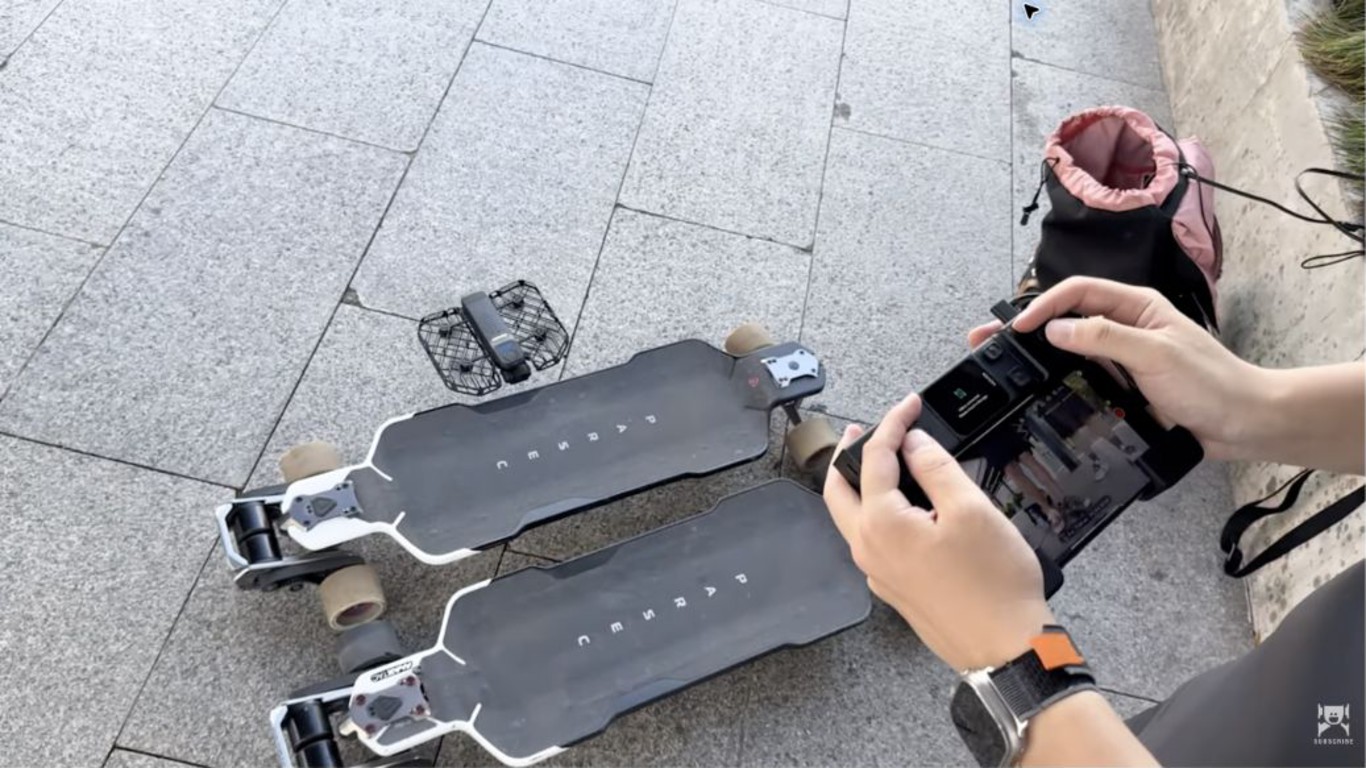
Hover also offers a charging PowerCase, ND filters, and other accessories. The PowerCase is convenient, though the basic drone already covers most of my solo-shooting needs.
The feature that matters most: convenience
The X1 ProMax is exceptionally simple to use. Turn it on, choose a shot mode on the drone, and press a button. It takes off, records, tracks, then stops when it returns to your hand—no phone or remote required.
It also includes 64 GB of internal storage. Although it accepts a microSD card, I have never needed one for a normal shoot.
Verdict
The Hover X1 ProMax is not the perfect drone for every electric skateboard shot. Its framing can hide the board, and automatic tracking struggles with carving. Yet its combination of tiny size, low weight, dependable tracking, crash resistance, built-in storage, and fast setup makes it the drone I am most likely to bring and actually use.
For solo creators who value convenience over cinema-camera image quality, it is an unusually practical tool.
Watch the video at https://youtu.be/78Sg8ehjOuo.
Learn more about the Hover X1 ProMax at https://hoverair.com.